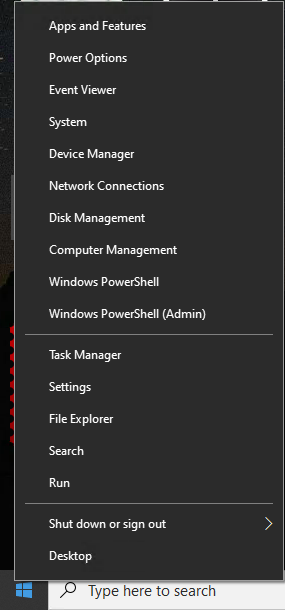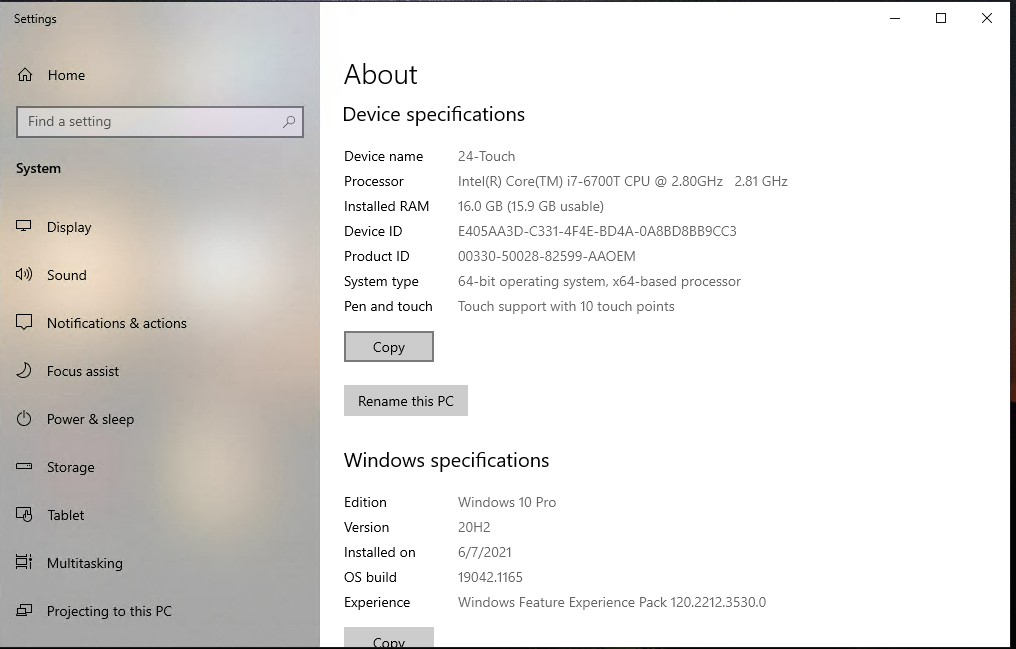
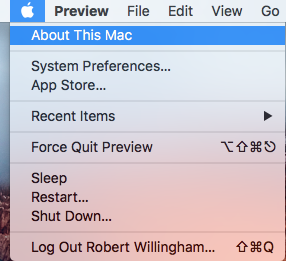
Mac Users- Click the Apple at the Upper-Left corner of the screen and select “About This Mac“
The System Properties Will appear. Take a screenshot by pressing Command-Shift-4 And select a rectangle around the system properties.
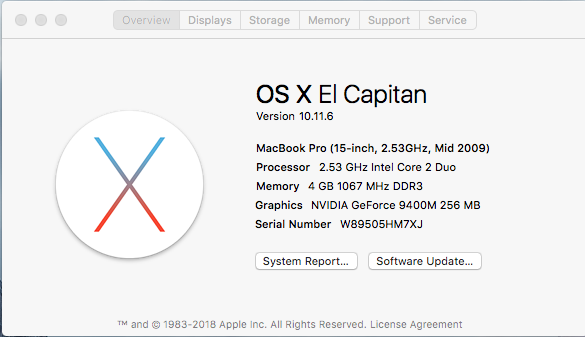
The System Properties Will appear. Take a screenshot by pressing Command-Shift-4 And select a rectangle around the system properties.